
Set up integrations
Connect Google Calendar, Outlook Calendar, or HubSpot to power your automated SMS reminders.
Aardvark integrates with your calendar and CRM so reminders are sent automatically when meetings are booked. Available integrations include Google Calendar, Outlook Calendar, and HubSpot.
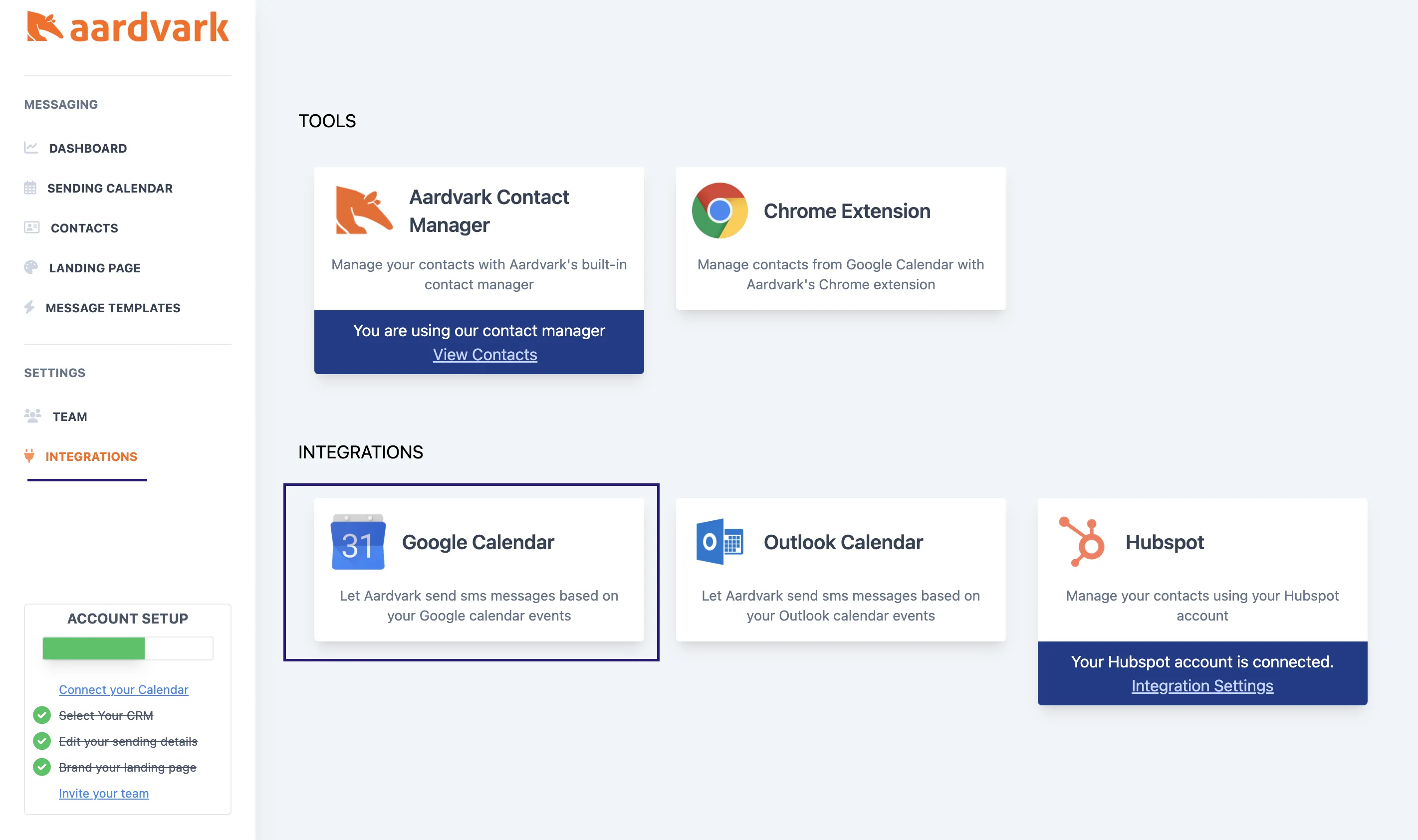
Connect Google Calendar
Connecting Google Calendar lets Aardvark detect new events and attendees. Go to your integrations page and click the Google Calendar button. You'll be prompted to grant Aardvark permission to read your calendar invites and attendee responses.
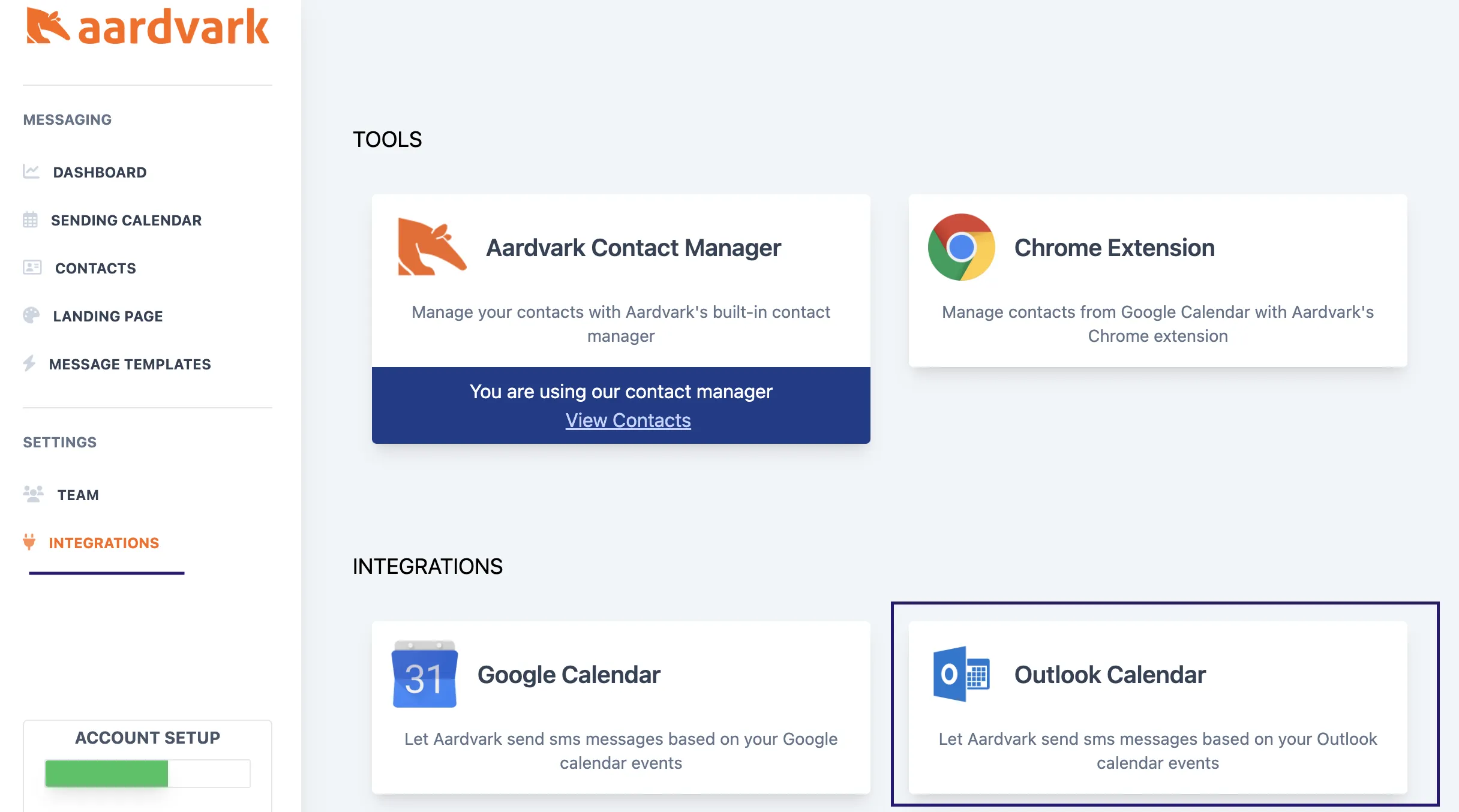
Connect Outlook Calendar
Connecting Outlook Calendar works the same way. Go to your integrations page and click the Outlook Calendar button, then accept the permissions prompt.
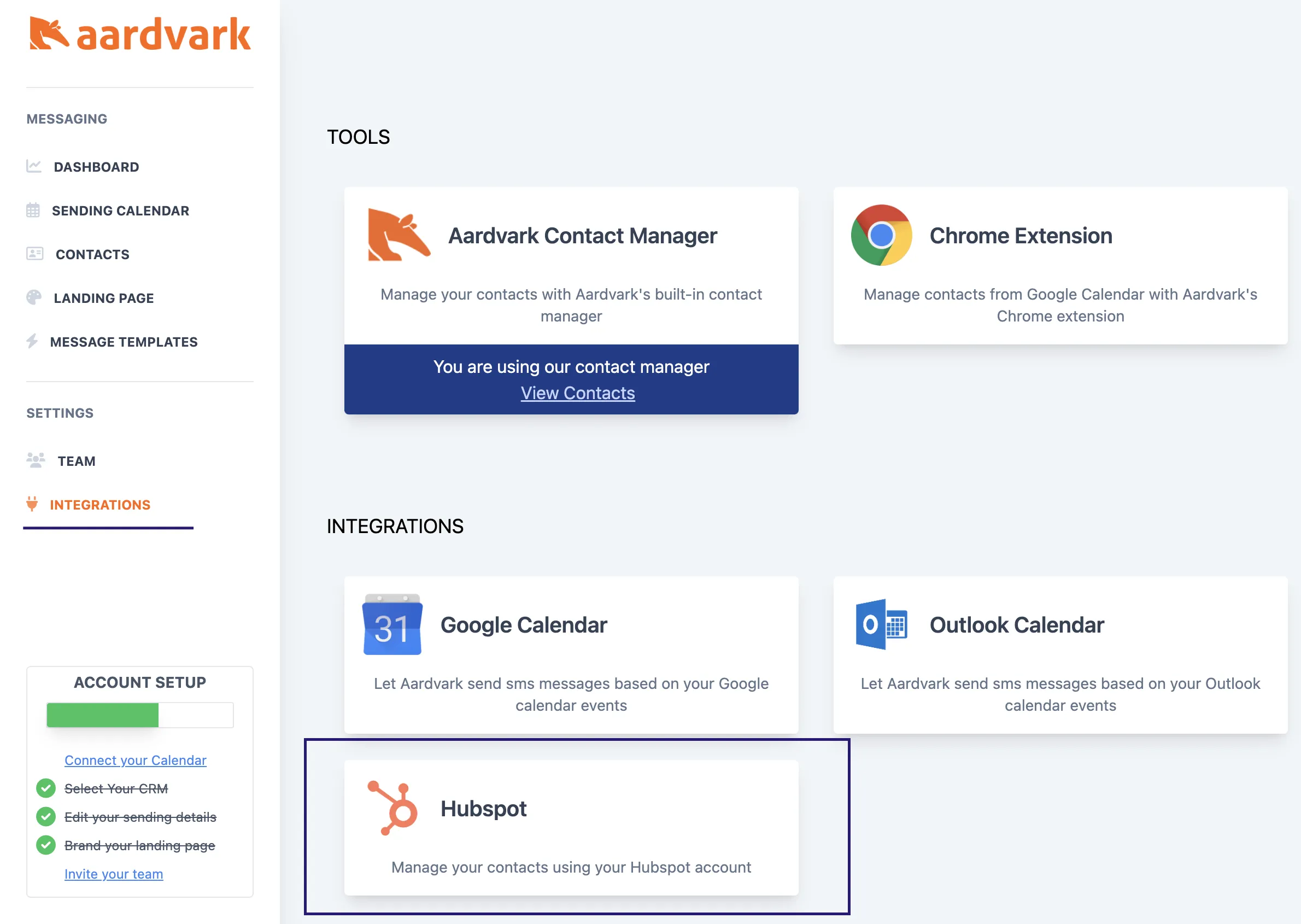
Connect HubSpot
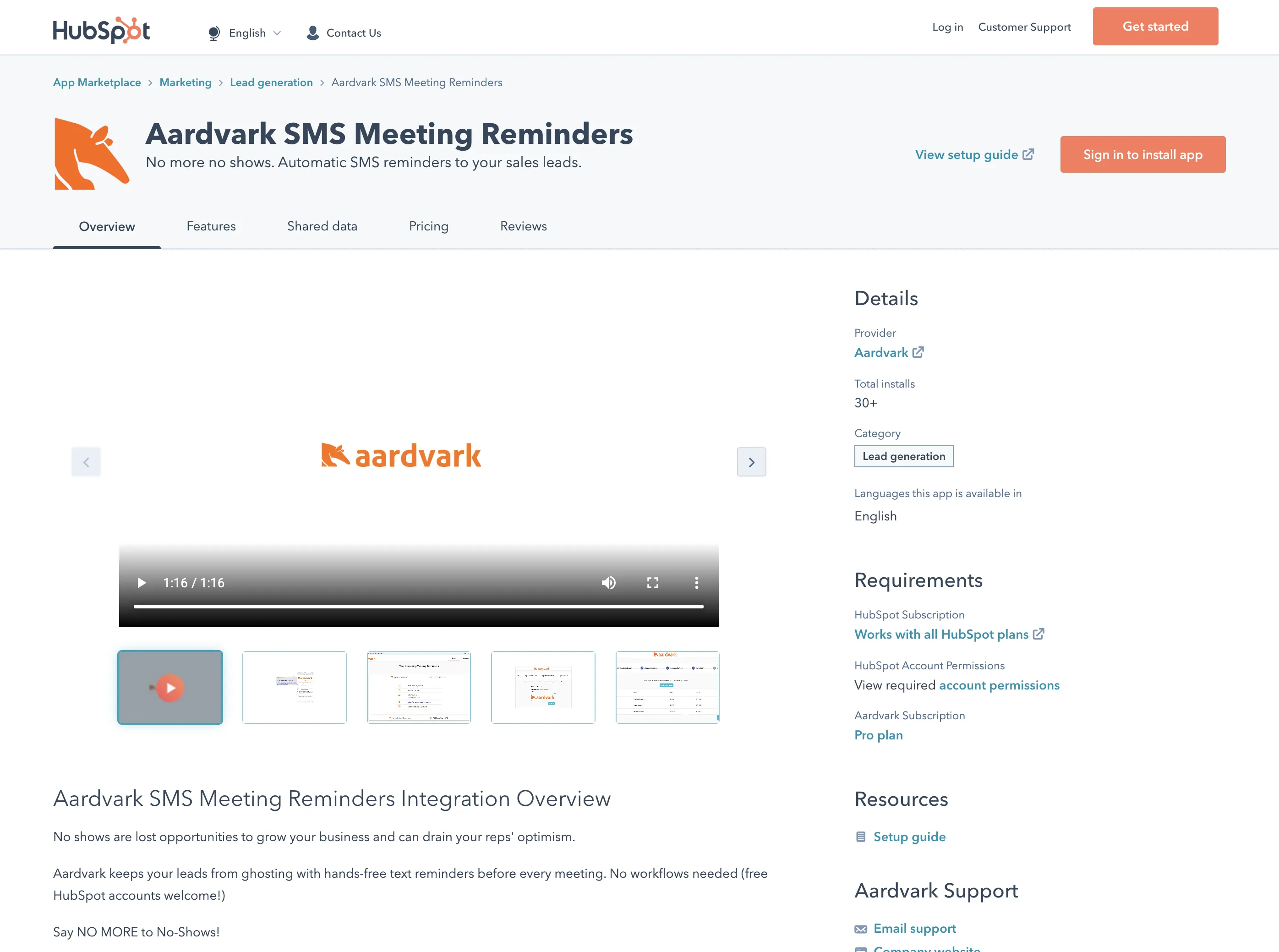
Connecting HubSpot lets Aardvark match calendar invitee emails to CRM contact phone numbers. You can connect through the HubSpot Marketplace or from your integrations page.
More in Getting Started
Was this article helpful?
Can't find what you need? Contact support