
Quick setup guide
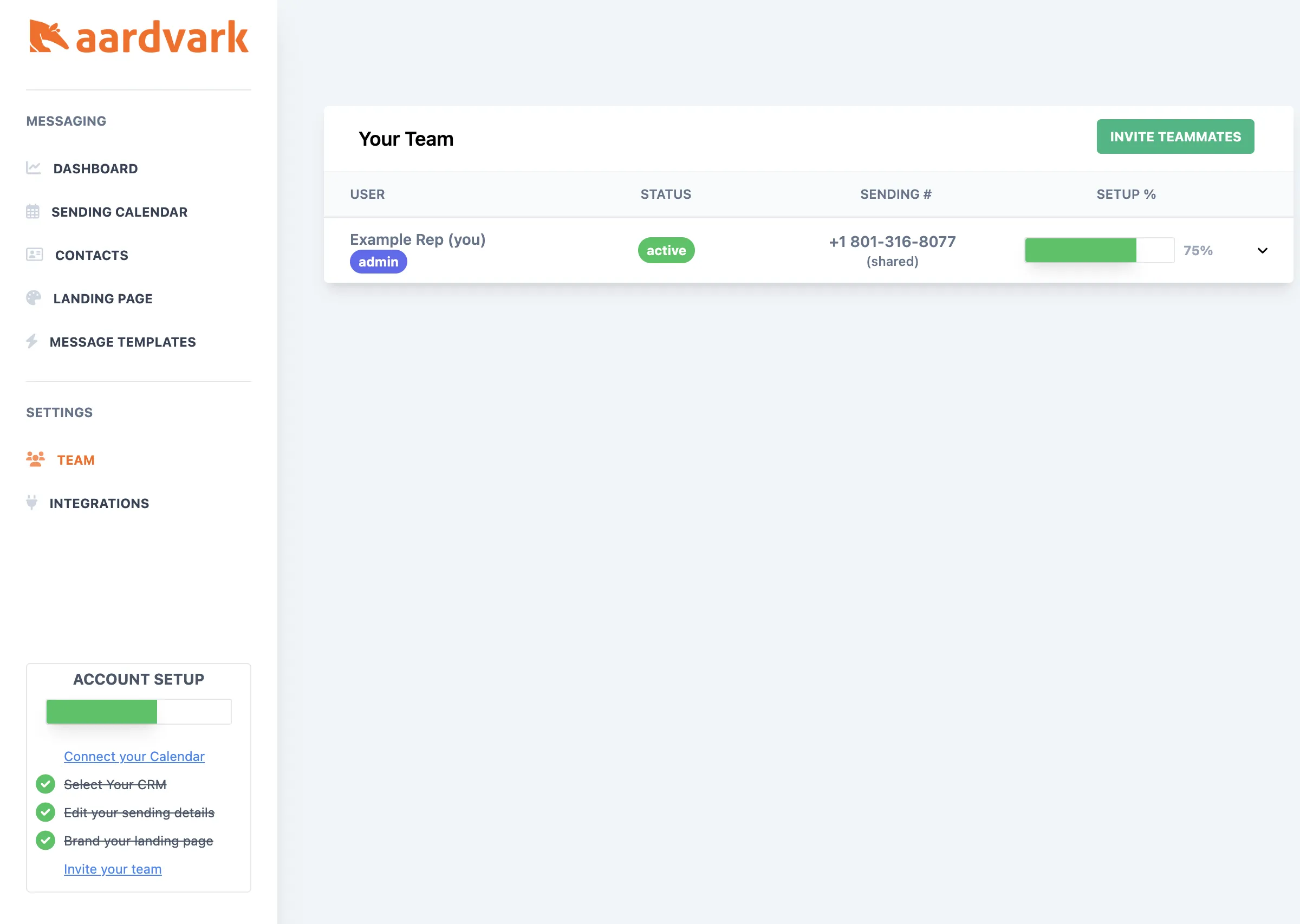
Get up and running with Aardvark in 5 steps: connect your calendar, select your CRM, configure sending details, brand your landing page, and invite your team.
Get Aardvark running in under five minutes. Follow these steps to start sending automated SMS reminders to your prospects.
1. Connect your calendar
Link your Google Calendar or Outlook Calendar so Aardvark can detect new events and attendees.
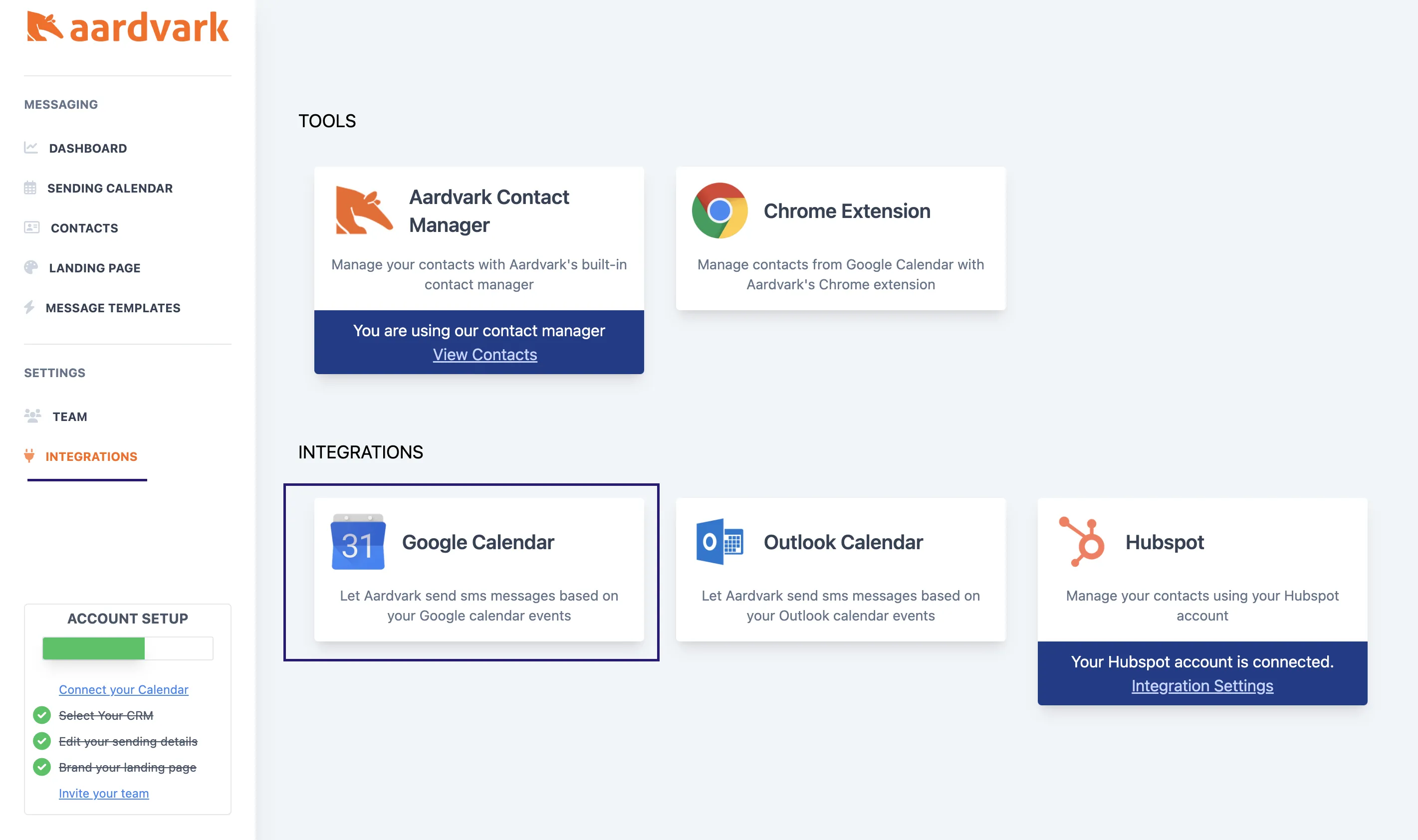
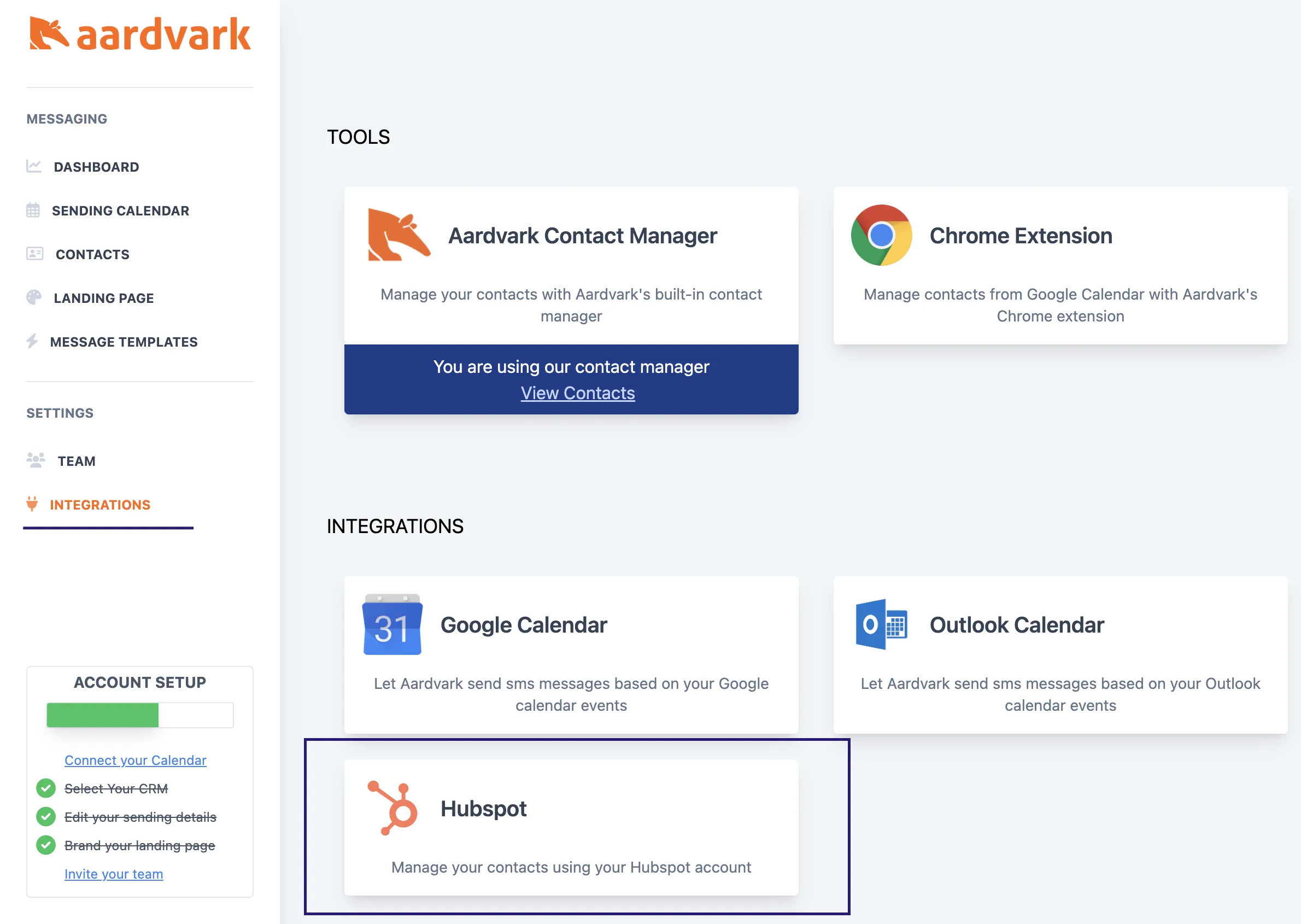
2. Select your CRM
Connect HubSpot or another supported CRM to match calendar invitees to phone numbers.
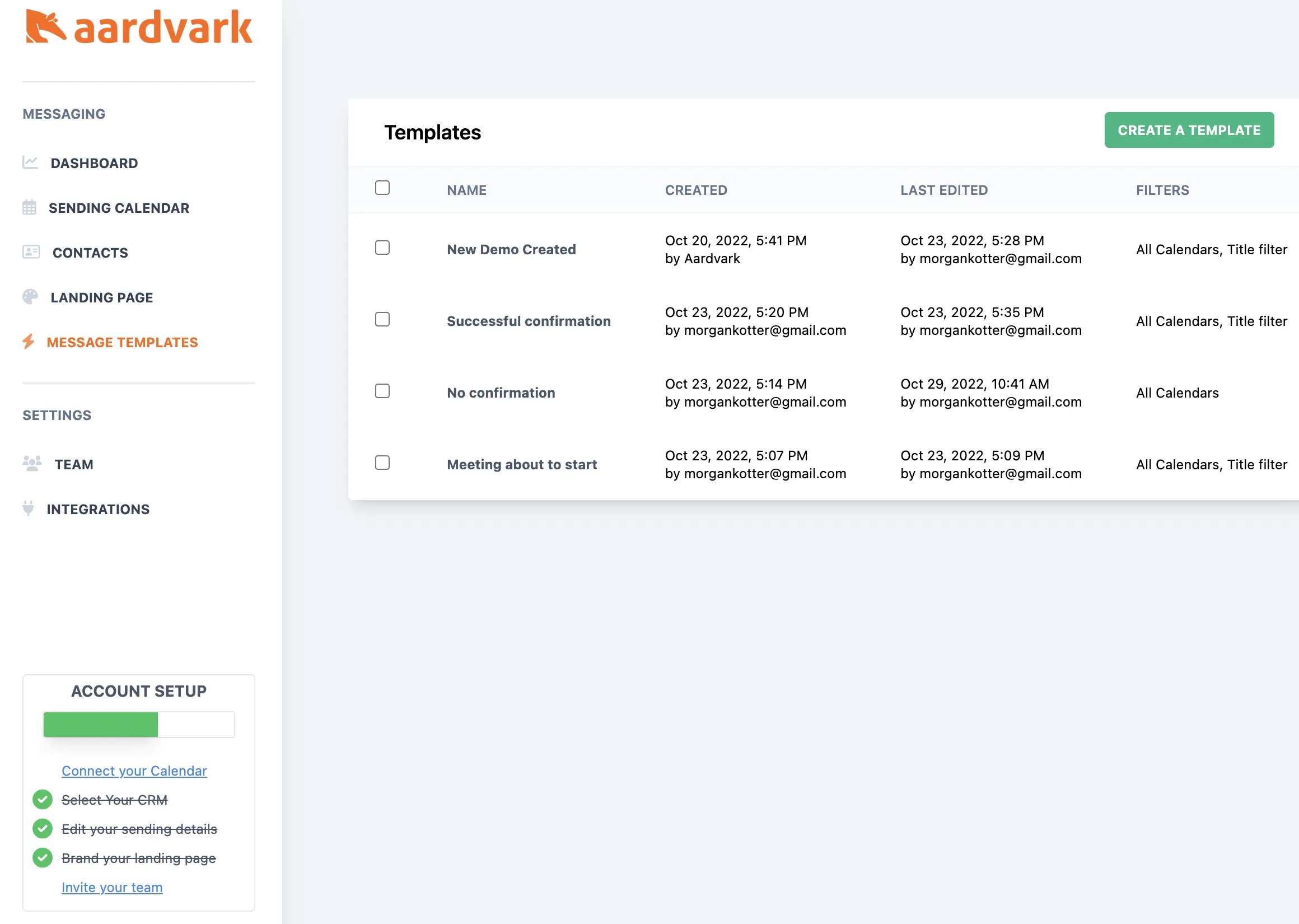
3. Edit your sending details
Configure your message templates, timing, and sender information.
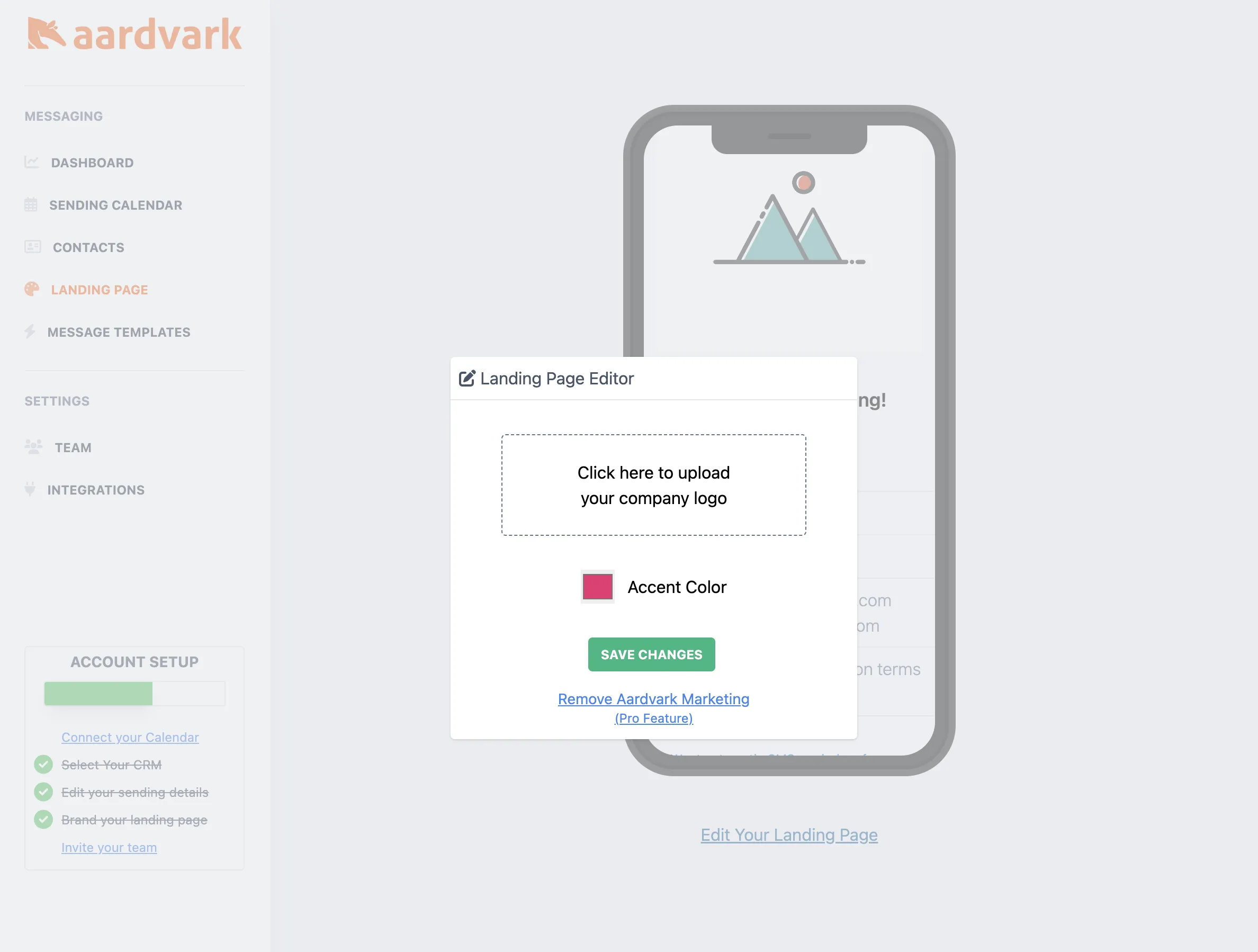
4. Brand your landing page
Upload your logo and set your brand colors so reminder links feel on-brand for your prospects.
5. Invite your team
Add your reps so they get their own automated reminders tied to their calendars.
More in Getting Started
Was this article helpful?
Can't find what you need? Contact support