
Connect Google Calendar
Link your Google Calendar to Aardvark so new events and attendee responses automatically trigger SMS reminders.
1 min readUpdated 2022-12-03easy
Connecting Google Calendar lets Aardvark detect when new events are created and who has accepted or declined. This is what powers the automated SMS reminder sequences.
Connect your account
- Go to your Integrations page.
- Click the Google Calendar button.
- Accept the permissions prompt to let Aardvark read your calendar invites and attendees.
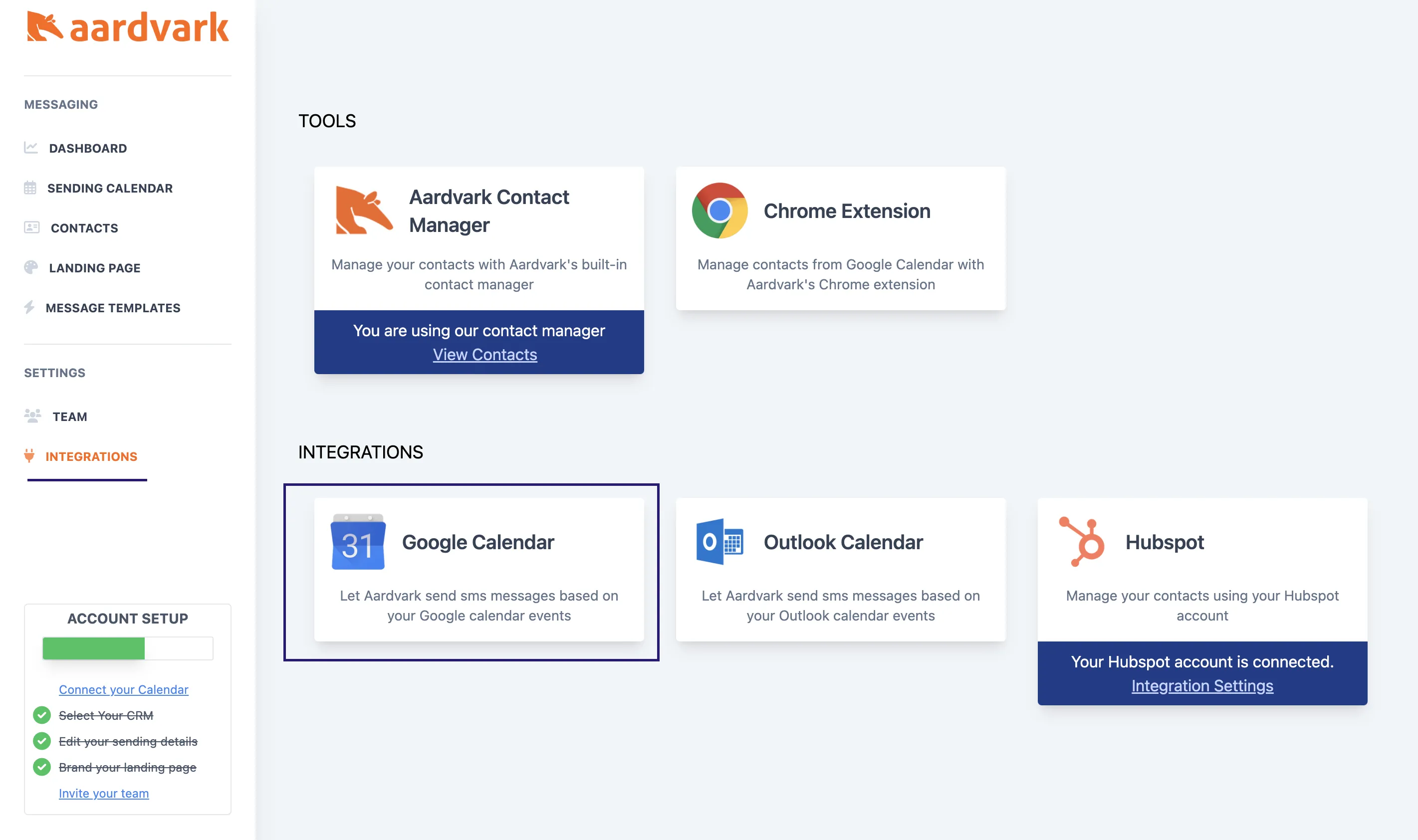
Choose which calendars to sync
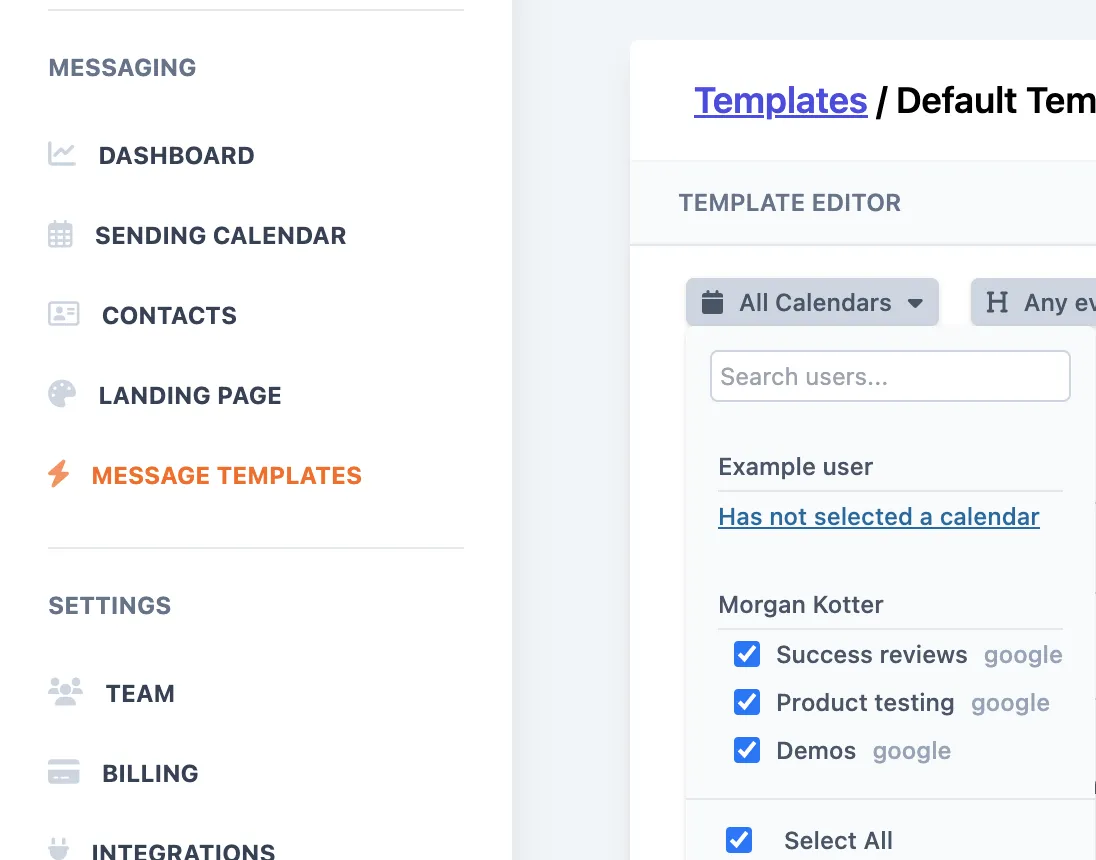
If you have multiple Google calendars, you can choose which ones Aardvark watches for new events. This lets you limit reminders to specific calendars rather than syncing everything.
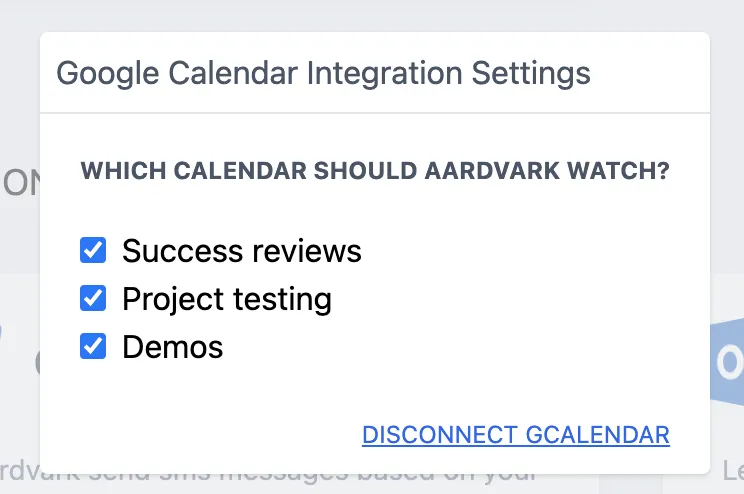
- Go to your Integrations page and click Integration Settings.
- Select the calendars you want to sync with Aardvark.
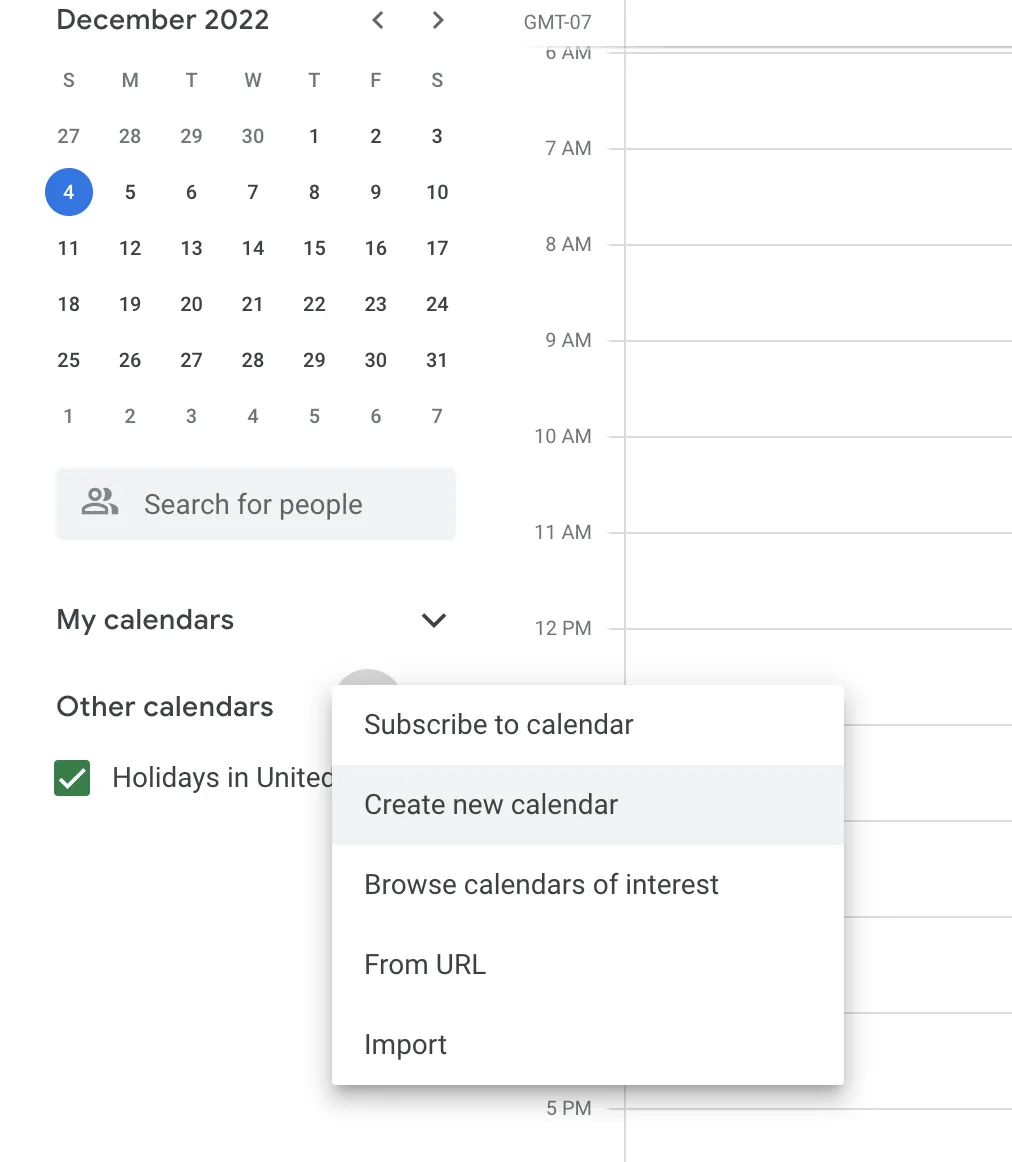
Tip: You can create additional calendars in Google Calendar to separate meeting types, so automations only run on the calendars you choose.
More in Getting Started
Was this article helpful?
Can't find what you need? Contact support