
Connect Outlook Calendar
Link your Outlook Calendar to Aardvark so new events and attendee responses automatically trigger SMS reminders.
1 min readUpdated 2022-12-03easy
Connecting Outlook Calendar lets Aardvark detect when new events are created and who has accepted or declined. This is what powers the automated SMS reminder sequences.
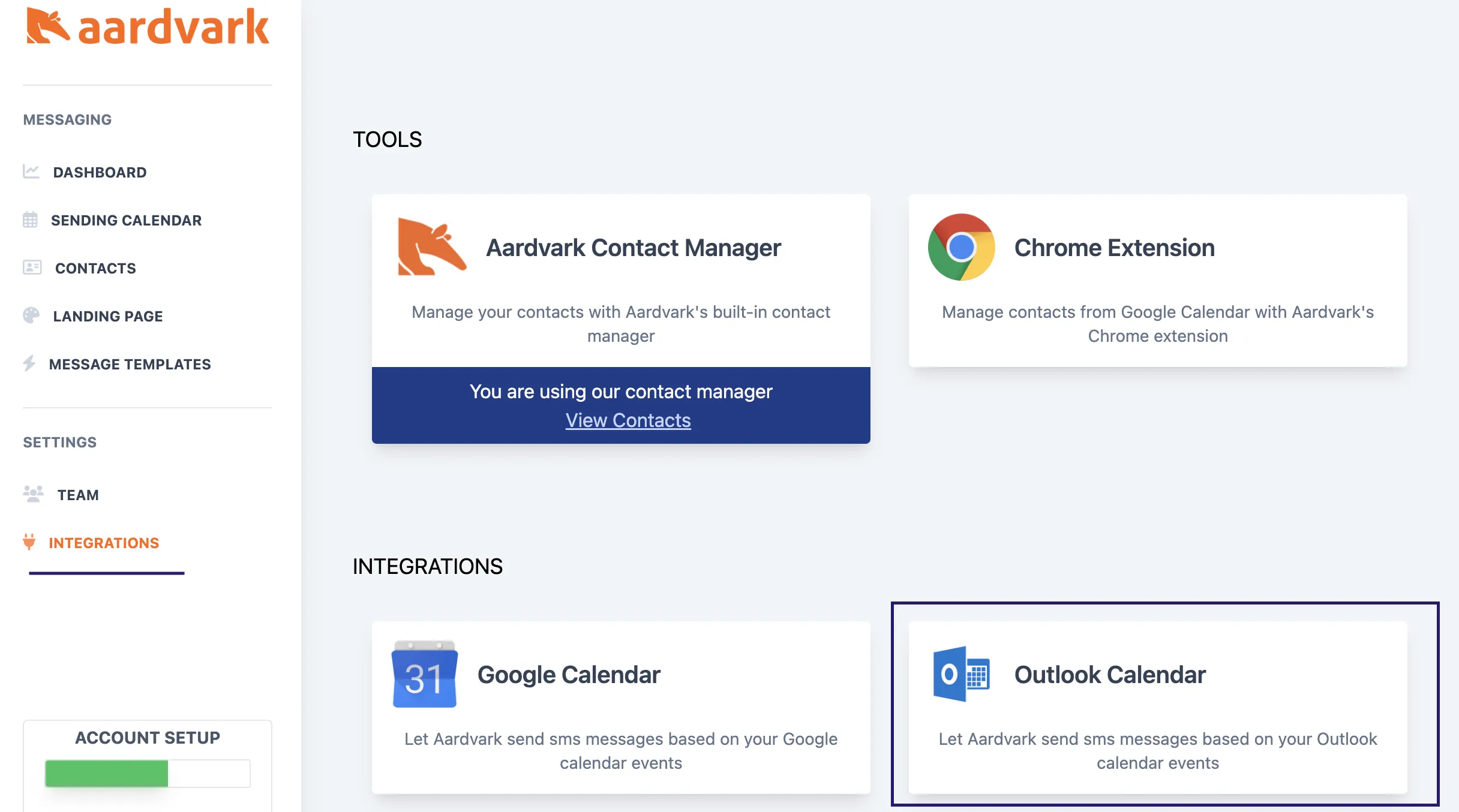
- Go to your Integrations page.
- Click the Outlook Calendar button.
- Accept the permissions prompt to let Aardvark read your calendar invites and attendees.
More in Getting Started
Was this article helpful?
Can't find what you need? Contact support