
Manage your subscription
Switch between monthly and annual billing, manage phone numbers, or cancel your Aardvark subscription.
1 min readUpdated 2022-12-03easy
Your subscription renews automatically unless you cancel. You can manage everything from the billing page.
Change your billing cycle
- Go to your Billing page and click Edit Subscription.
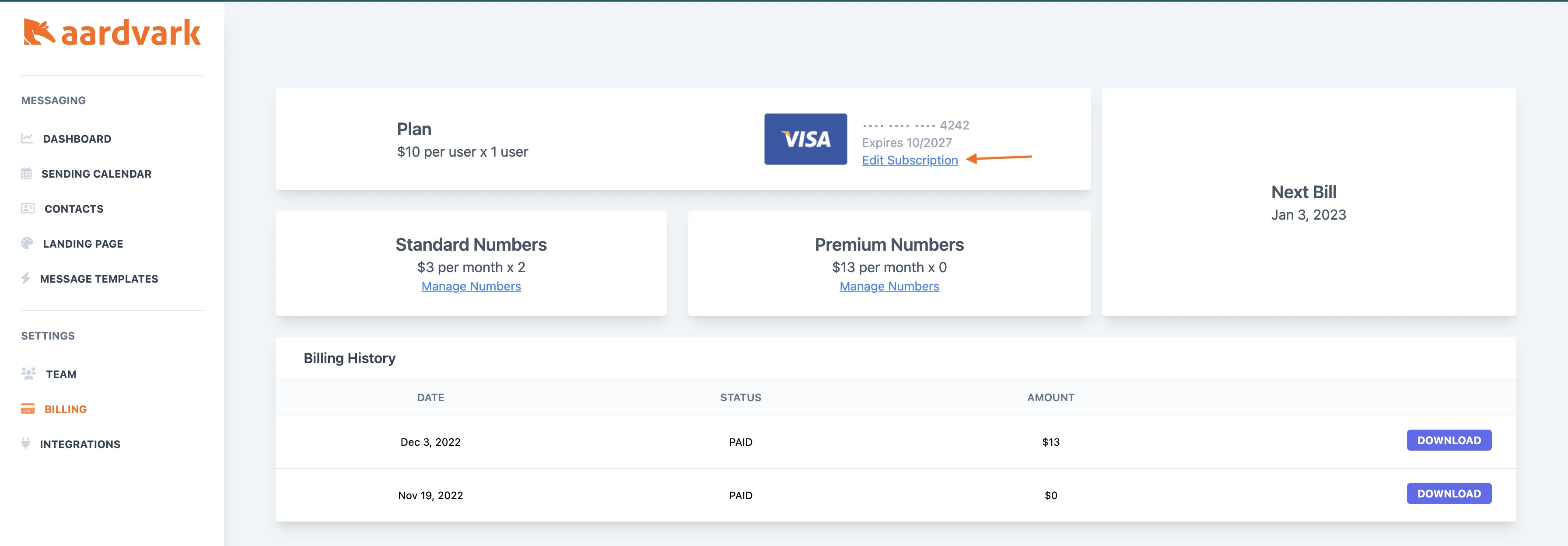
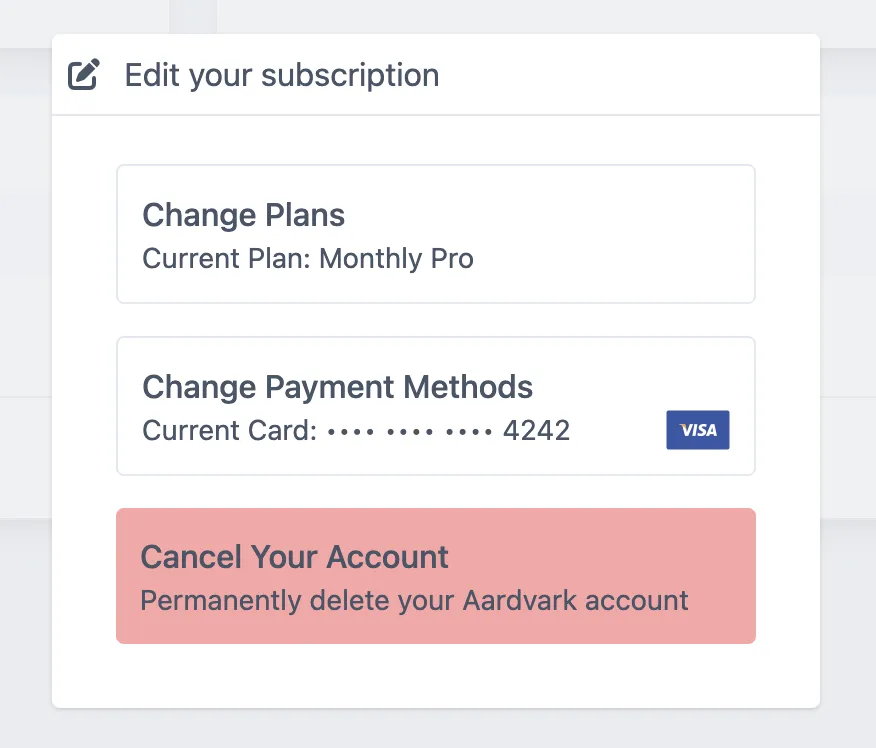
- Choose Monthly or Annual billing. Annual saves 20%.
To cancel, select Delete Account from the same screen.
Manage phone numbers
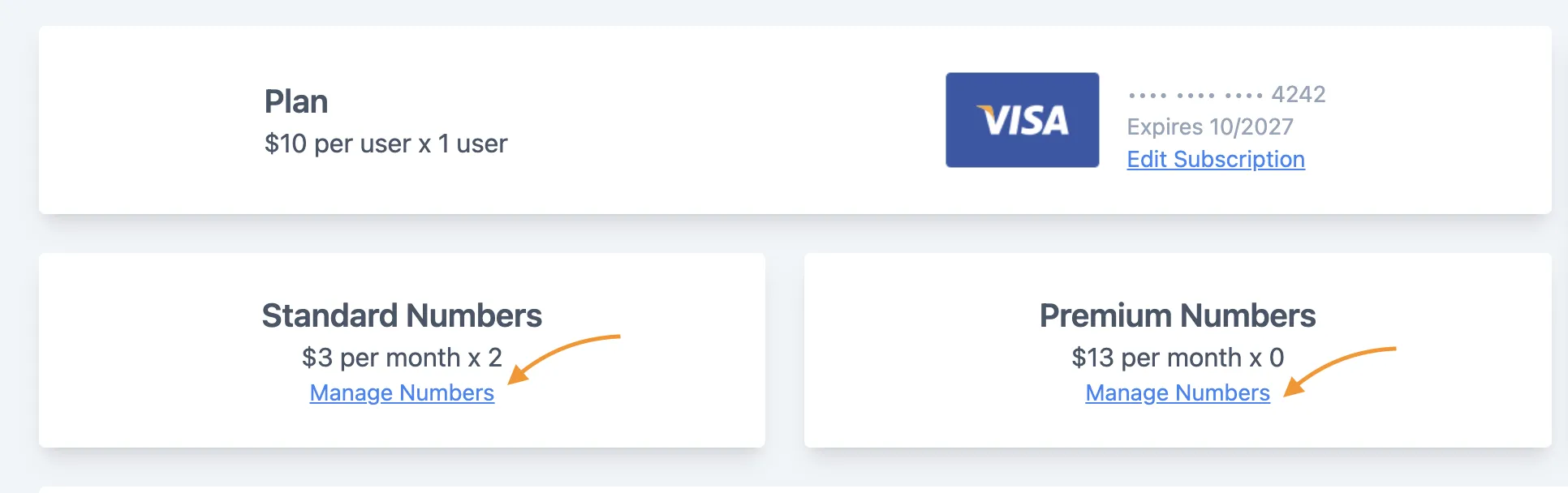
Select a Standard or Premium number option and click Manage Number to release numbers you no longer need.
More in Team & Account
Was this article helpful?
Can't find what you need? Contact support