
Manage contacts in Aardvark CRM
Add, edit, and delete contacts in the Aardvark contact manager to keep your SMS reminder database up to date.
1 min readUpdated 2022-12-03easy
The Aardvark contact manager stores the emails, names, and phone numbers that link your calendar invites to SMS reminders. Here's how to manage your contacts.
Add a contact
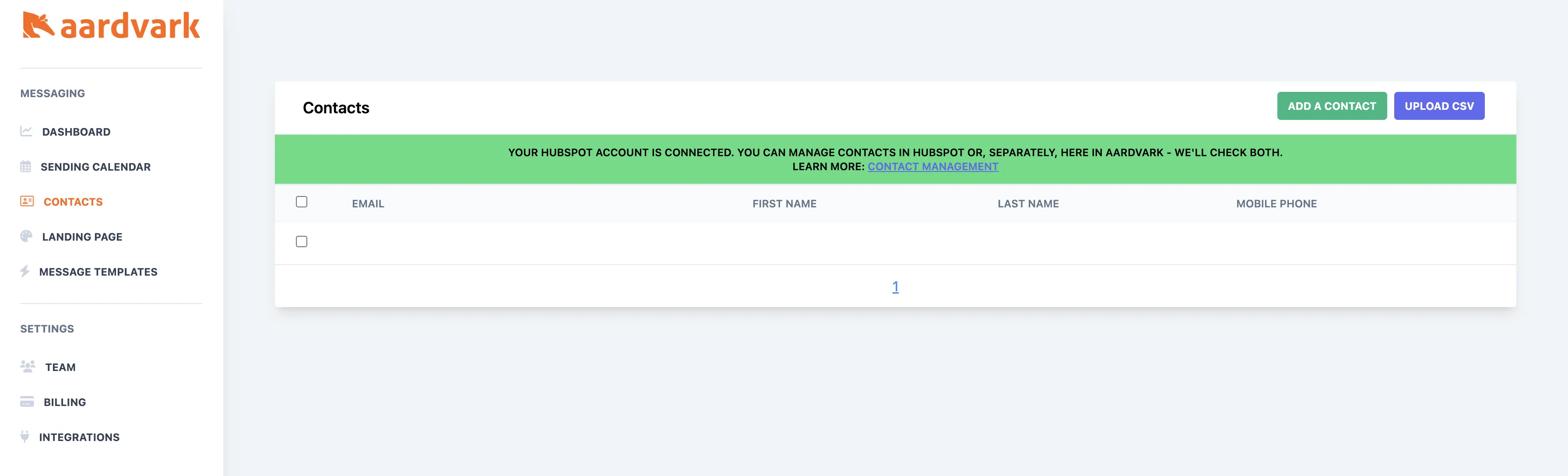
Click the Add contact button to create a new contact manually. You can also bulk-import contacts by uploading a CSV with these exact columns: company, first, last, email, phone.
Delete a contact
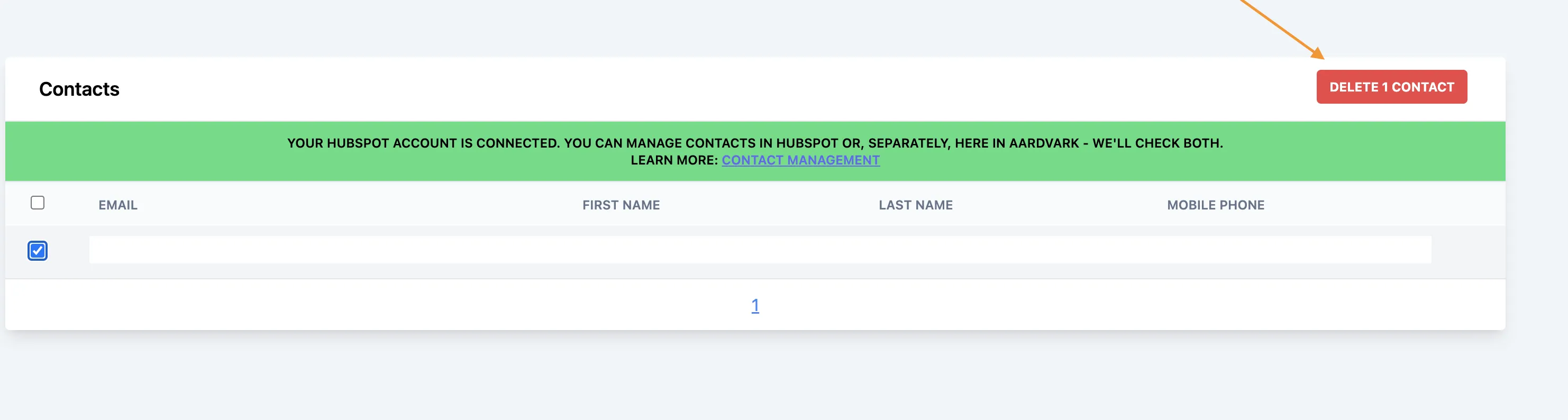
Select the checkbox next to a contact, then click the Delete contact button.
Edit a contact
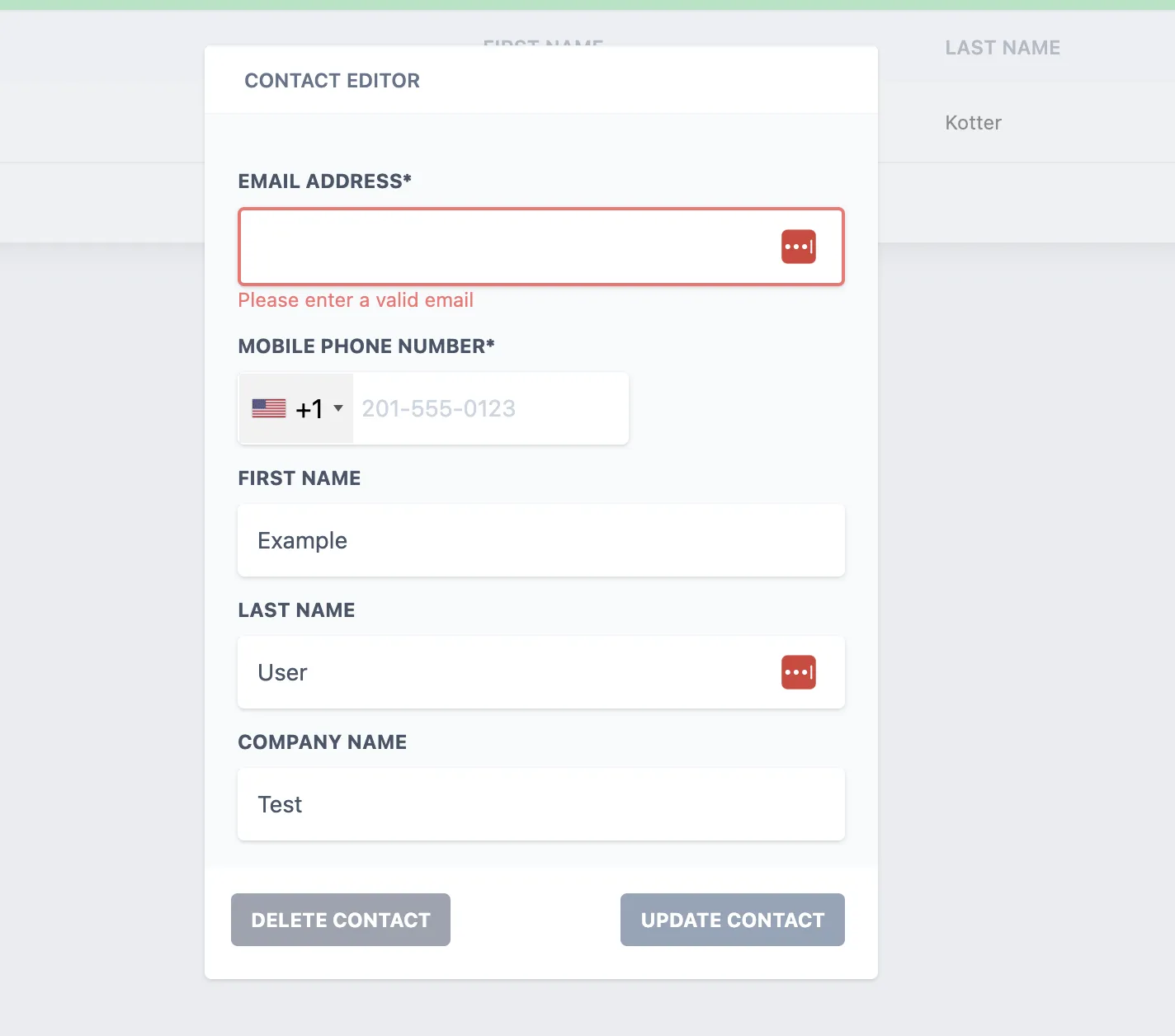
Click anywhere in the contact row to open an edit modal where you can update any field.
More in Contacts & CRM
Was this article helpful?
Can't find what you need? Contact support