
Add phone numbers to contacts
Ensure your contacts have a phone number on file so Aardvark can send SMS reminders.
1 min readUpdated 2022-12-03easy
Every contact needs both an email and a phone number for SMS reminders to work. Aardvark matches the email on your calendar invite to a contact record, then uses the phone number on file to deliver the reminder.
You can add phone numbers in two ways:
- HubSpot -- Connect your HubSpot CRM and ensure each contact has a phone number in their record. Learn more.
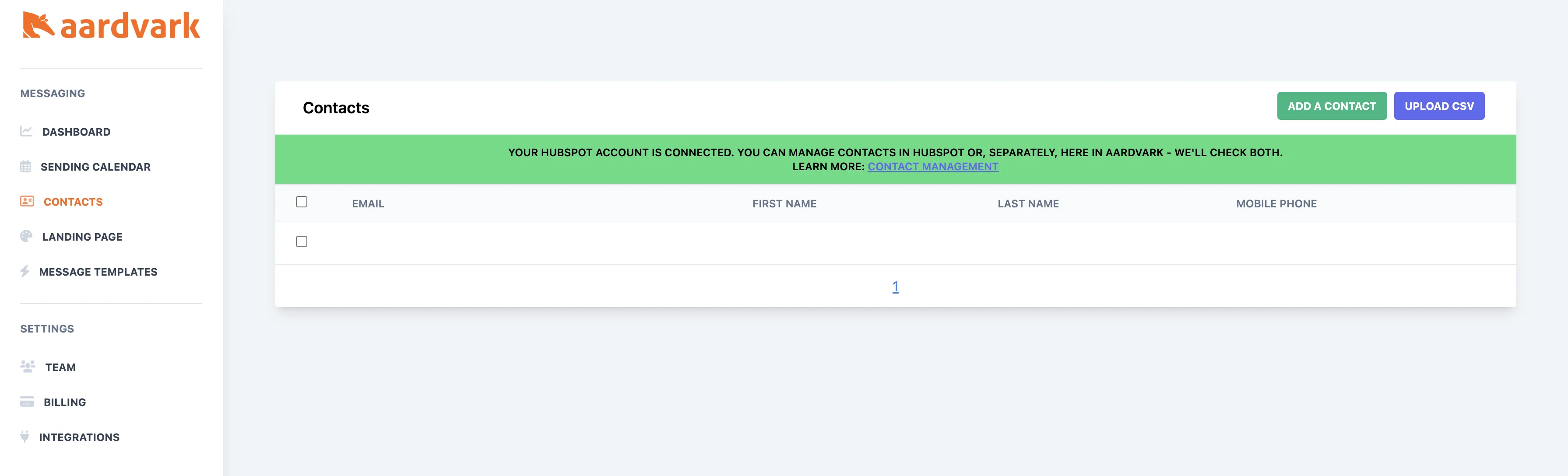
- Aardvark contact manager -- Add or edit phone numbers directly in the contact manager.
More in Contacts & CRM
Was this article helpful?
Can't find what you need? Contact support